
DSH PRO

Enhanced Desktop Edition

The agent harness,
without the terminal.

DeepSeek Harness is an excellent agent harness that ships as a command you have to remember. DSH PRO is that harness as a Mac app you double-click.

Sign in with the AI subscriptions you already pay for, preview what you are building in a browser that lives beside your chat, and get on with the work.

macOS 11 or later · Free and open source · Windows and Linux in the works

DSH PRO
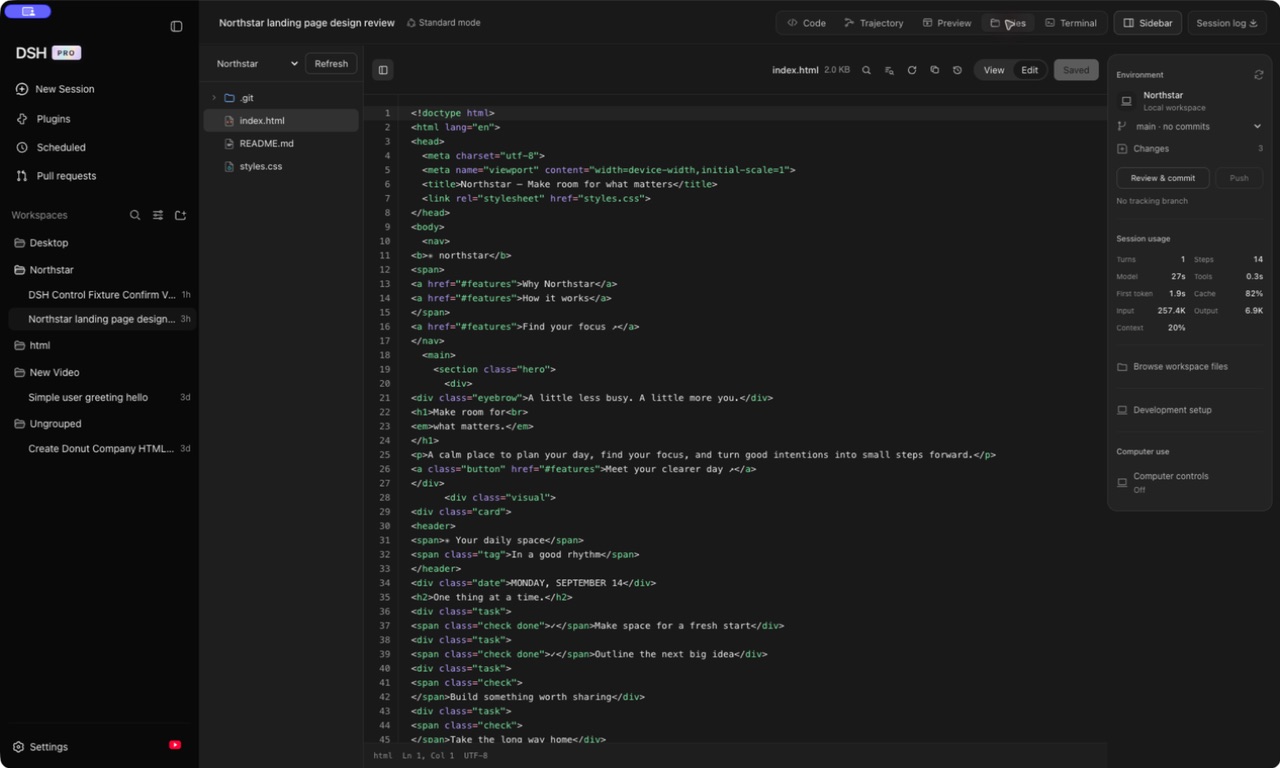
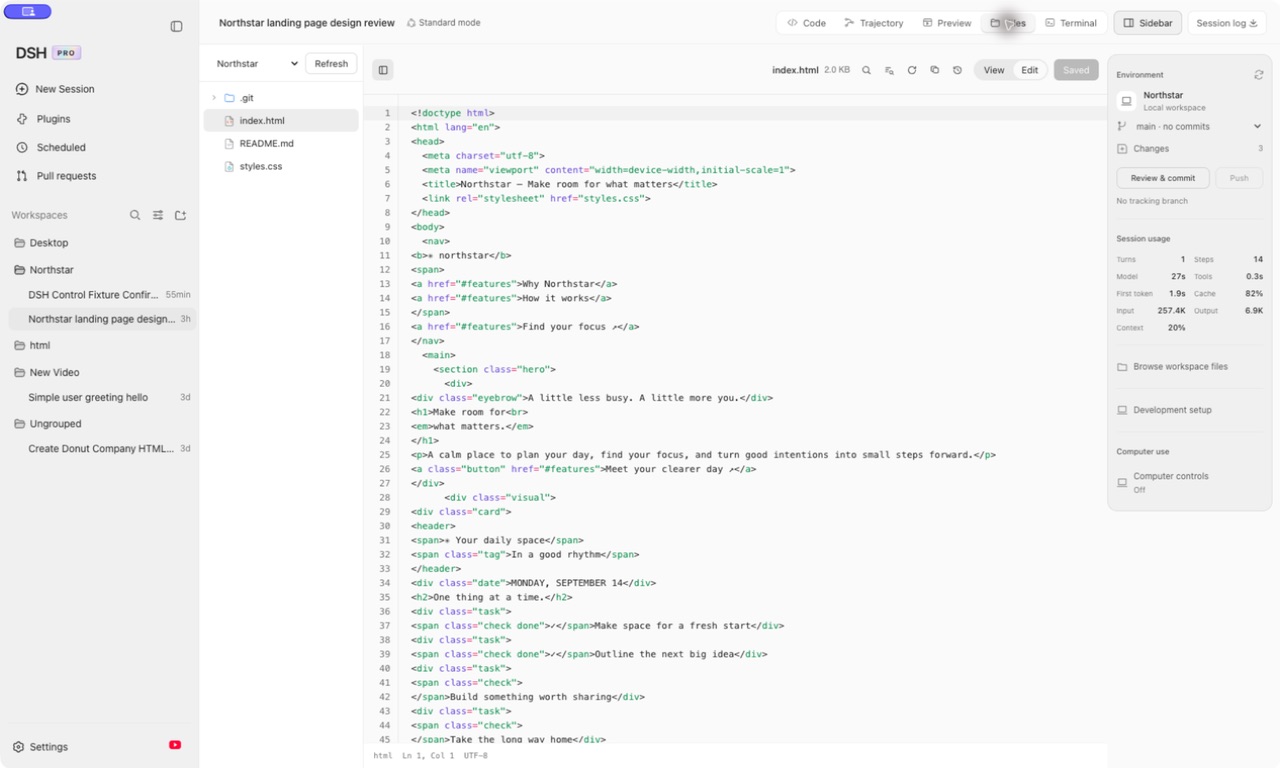
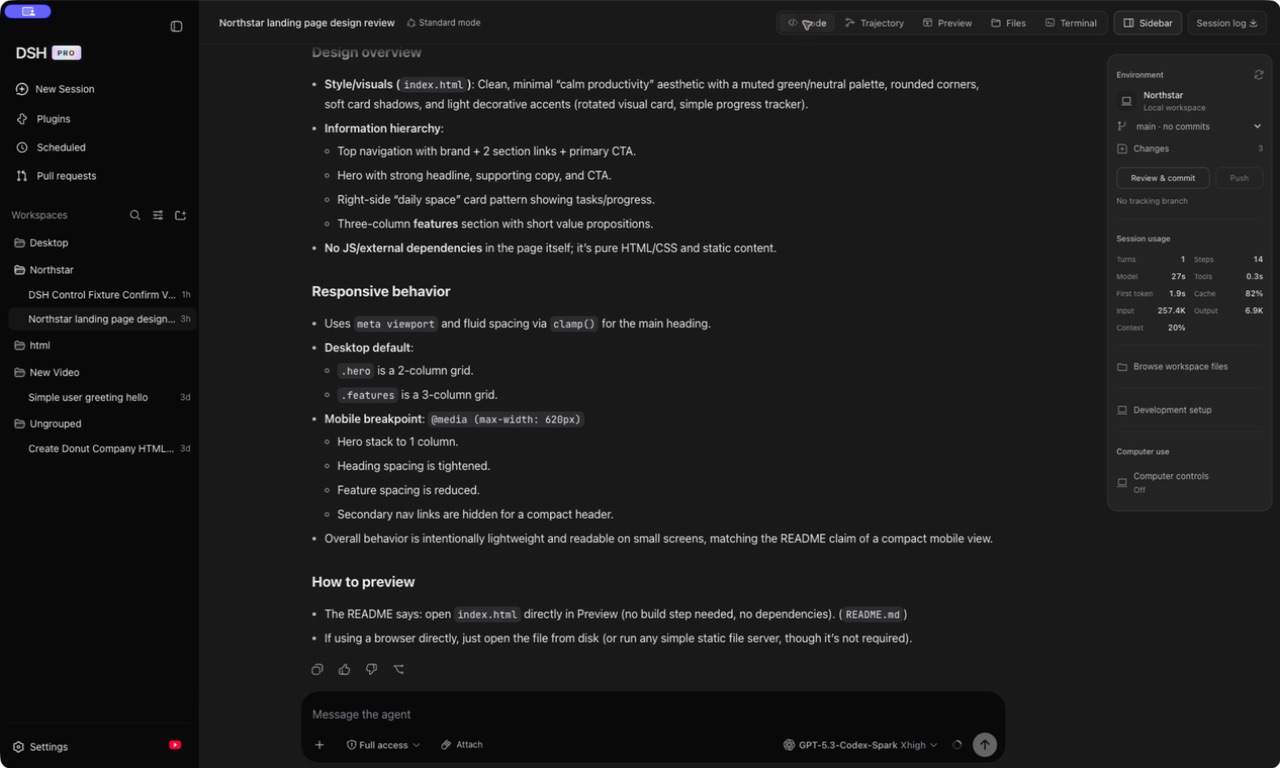
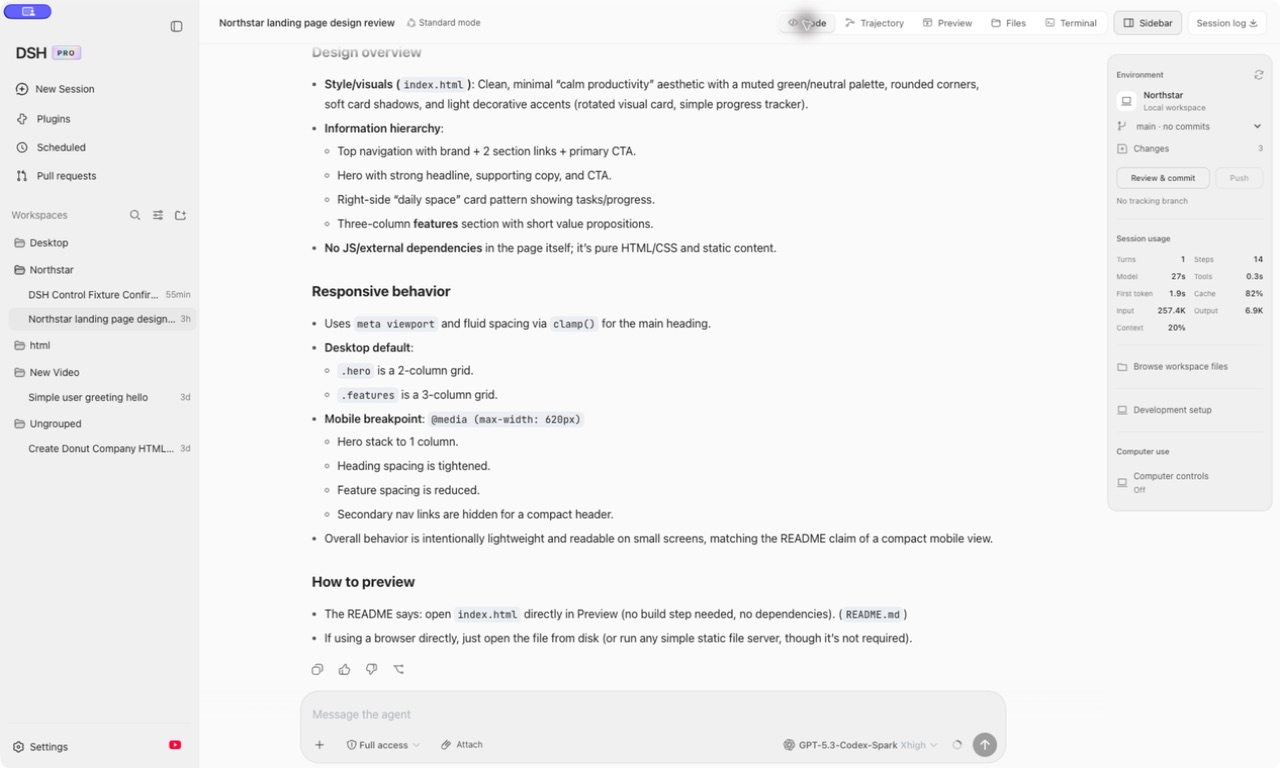
DSH PRO running a session DSH PRO running a session

Harness + a real Mac app

Everything the harness does.
None of the setup.

Nothing is reimplemented and nothing is forked. DSH PRO layers a desktop shell over the published harness — so you get the whole thing, plus the parts a terminal cannot give you.

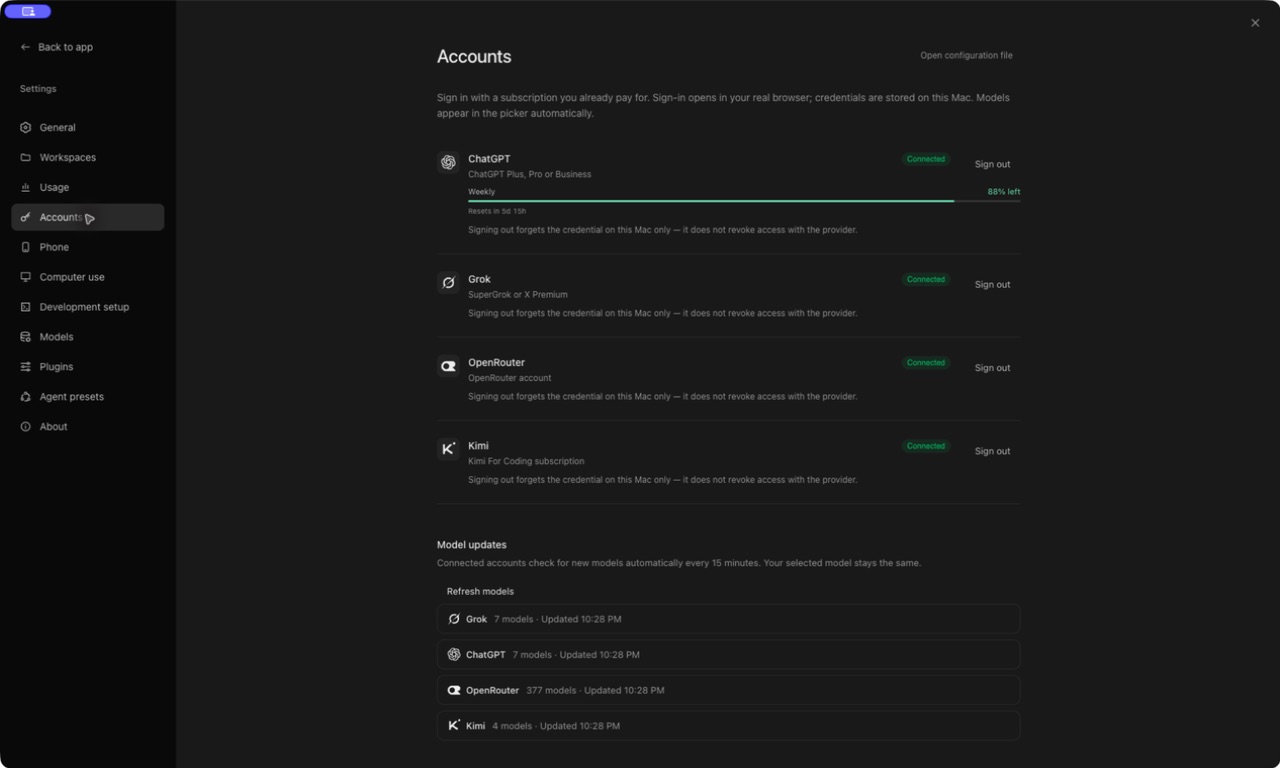
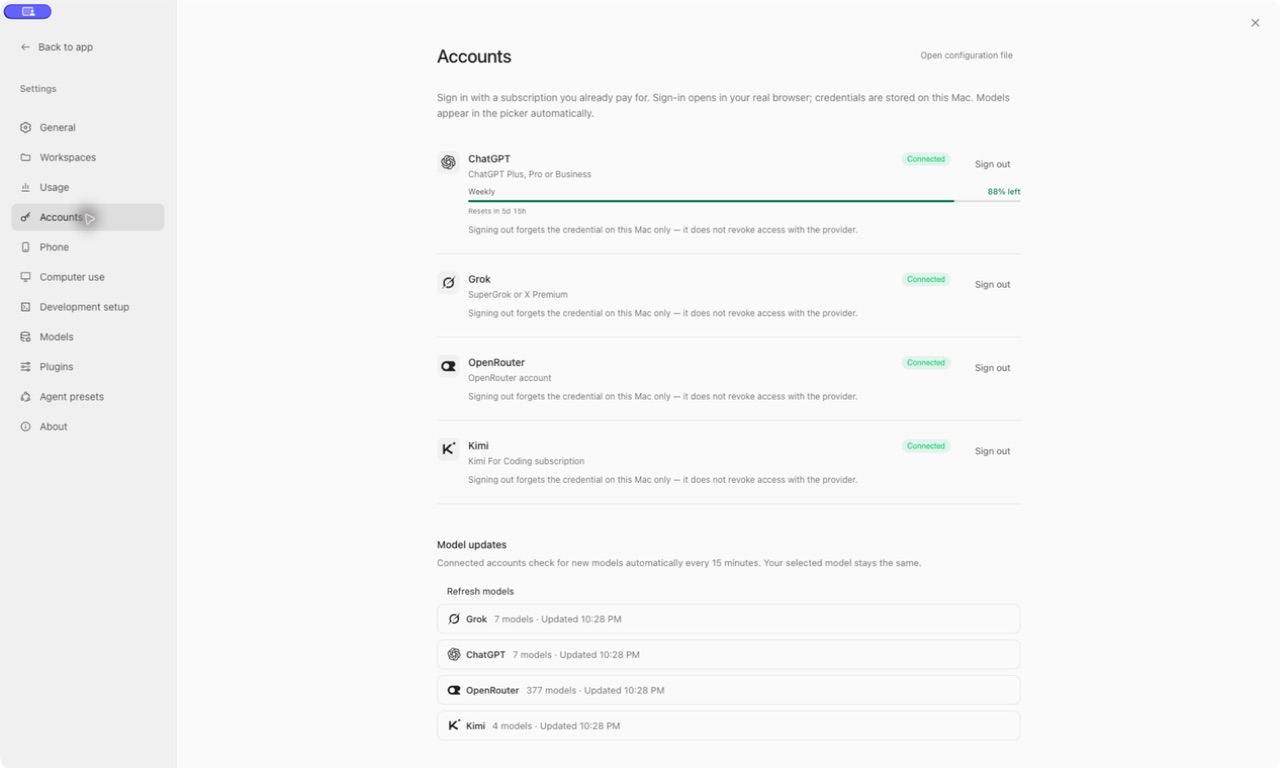
Sign in, don't paste keys

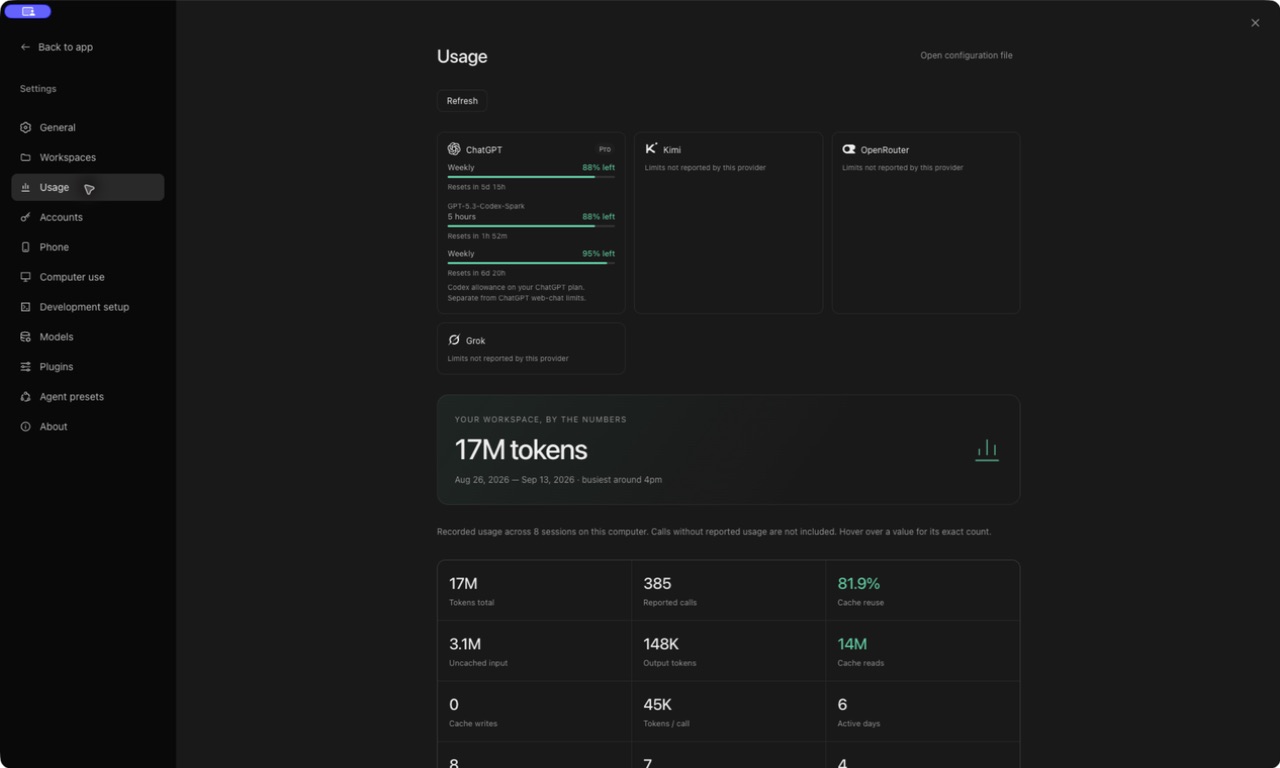
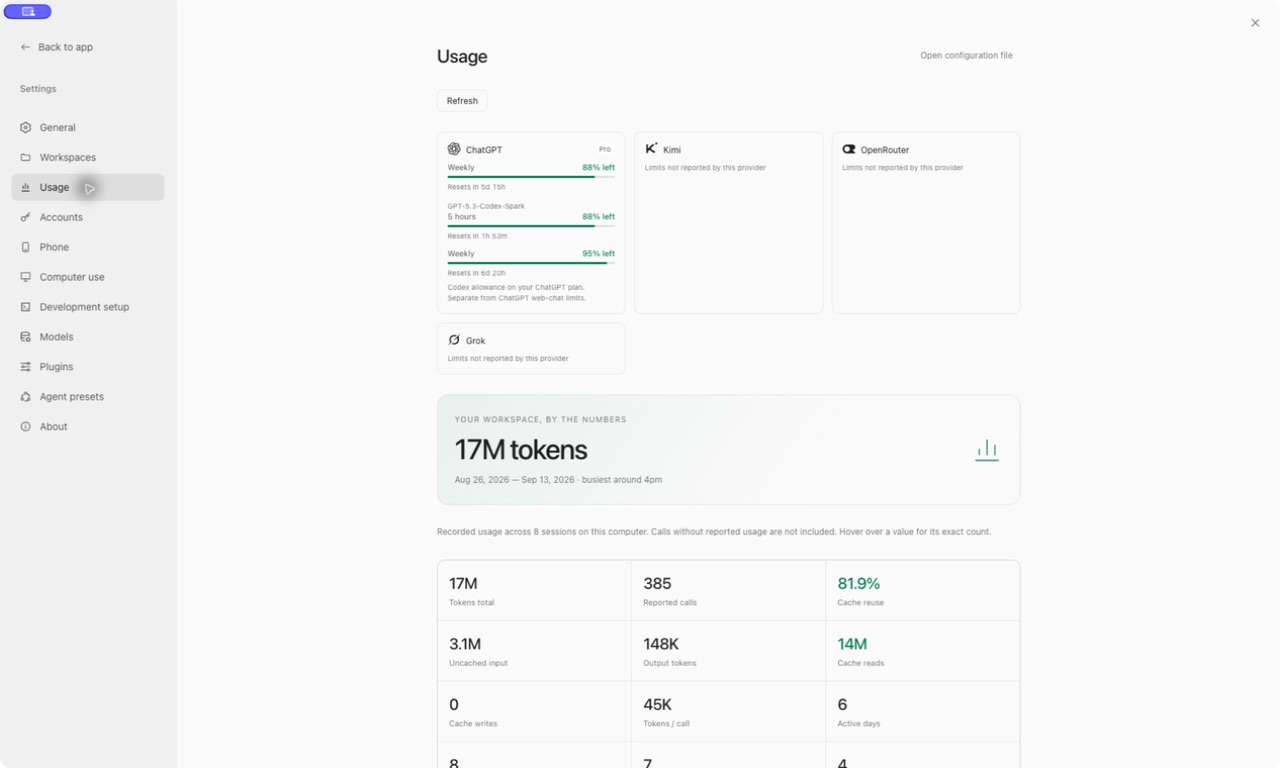
Connect ChatGPT, Grok, Kimi or OpenRouter with the subscription you already pay for. Sign-in opens in your real browser, credentials stay on your Mac, and the models appear in the picker by themselves.

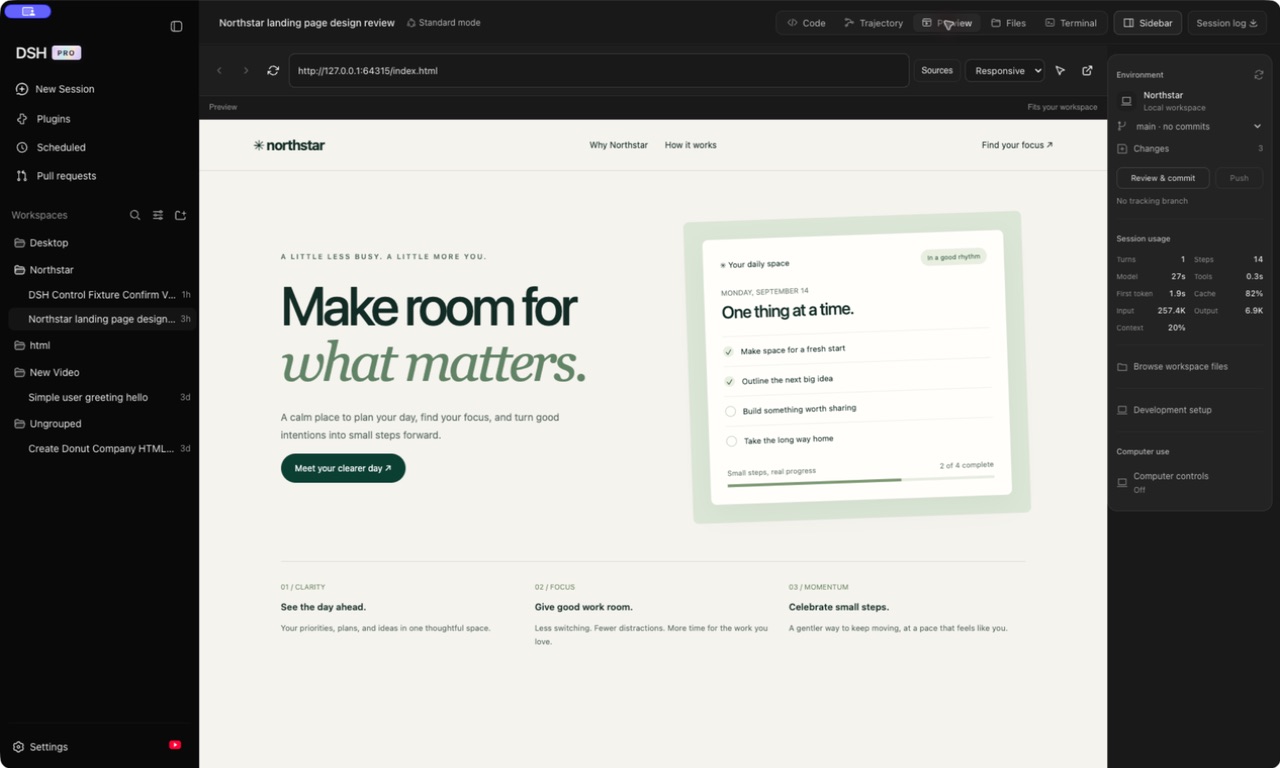
A real browser, built in

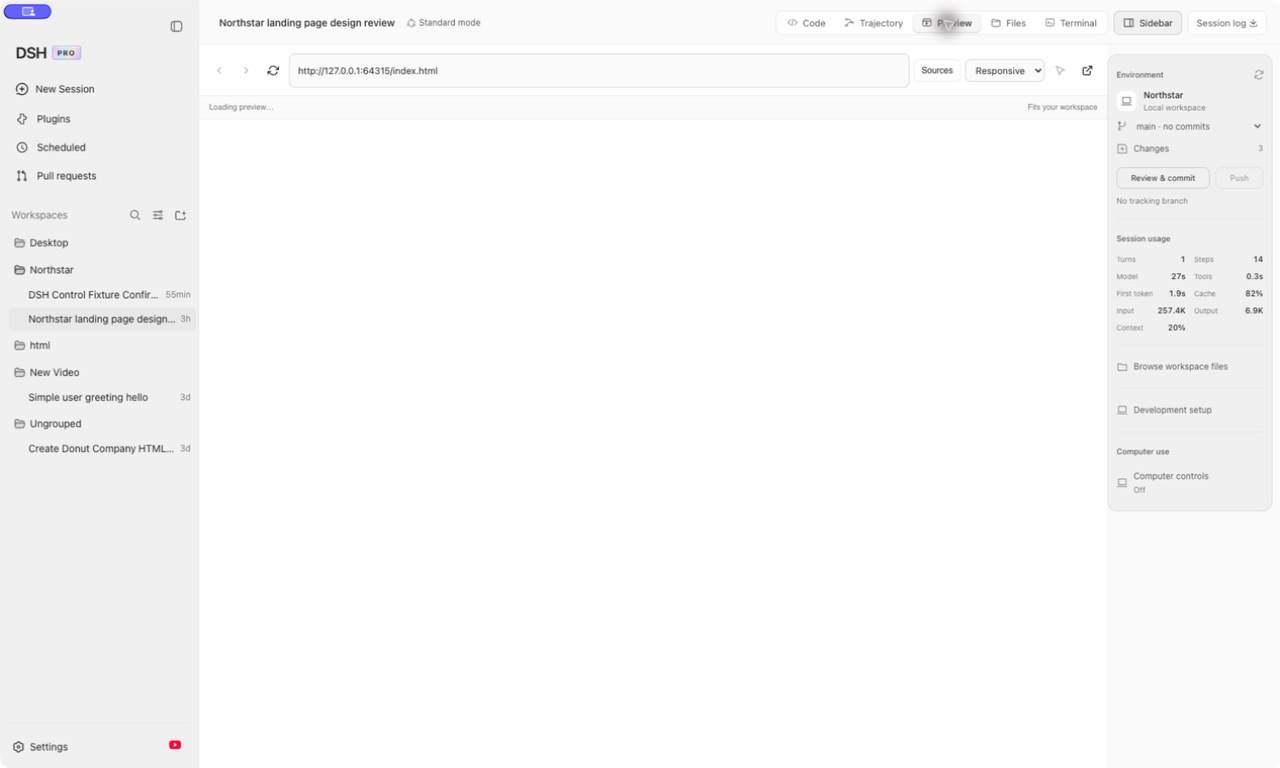
Point the Preview tab at your dev server and watch it change as you build. Back, forward, reload, device sizes, and a picker that hands you the selector for any element you click.

Every run is traceable

The harness's Trajectory view is one of the best in the category — every tool call, every token, every timing, turn by turn. It comes along unchanged.

A theme built for it

A holographic skin in light and dark: a drifting aurora behind your conversation, an iridescent edge on the composer, and glass surfaces that follow your system appearance.

Your machine, your files

The agent runs locally against a folder you choose. Nothing is proxied through a service of ours, because there isn't one.

Accounts

Use the subscriptions you already have.

Most people already pay for at least one of these. Sign in with it instead of hunting for an API key and topping up a balance.

  • ChatGPT Plus, Pro or Business
  • SuperGrok or X Premium
  • Kimi For Coding
  • OpenRouter, or any plain API key
Settings · Accounts
The Accounts panel

Preview

Build it and watch it, side by side.

The Preview tab is a real browser pane, not an iframe — locked to your own machine's servers.

  • Real history — back, forward, reload
  • iPhone, iPad and desktop framing
  • Click an element, get its selector
Preview · localhost:5173
The Preview tab showing a local dev server

Get started

Download it and open it.
That's the whole setup.

Download it, drag it to Applications, open it. Free, and MIT licensed.

DSH PRO is an enhanced desktop client built on DeepSeek Harness. It is not affiliated with, endorsed by, or an official release of DeepSeek or DeepSeek Harness. DeepSeek Harness is MIT licensed, and so is this. Signing in uses each vendor's own CLI client, so a consent screen will name that client rather than DSH PRO — your credentials are stored on your Mac and never sent anywhere else.